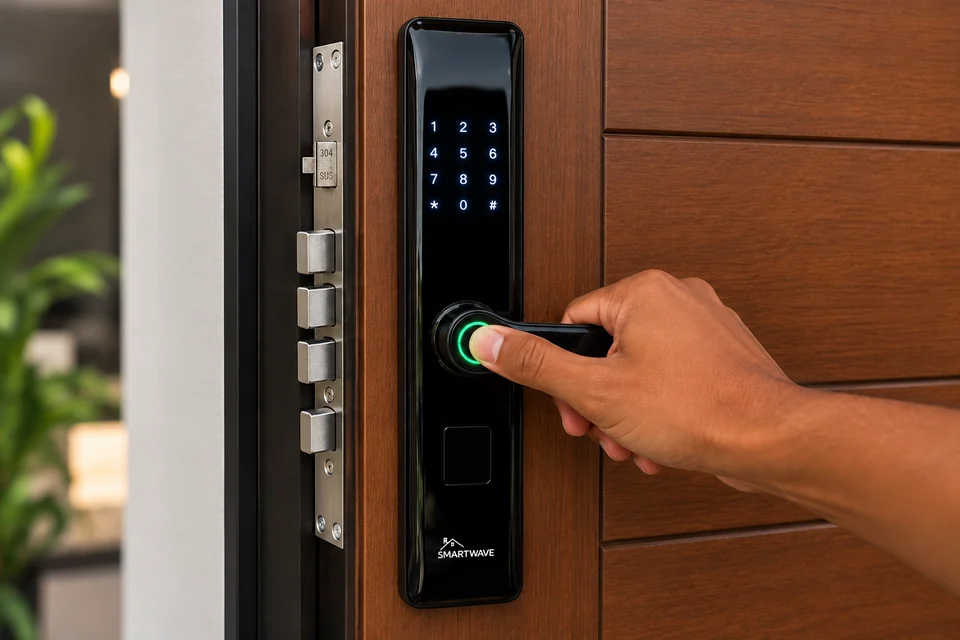
01 · BIOMETRICFingerprintTouch the sensor to unlock.
 868-217-6017Help me choose a lock
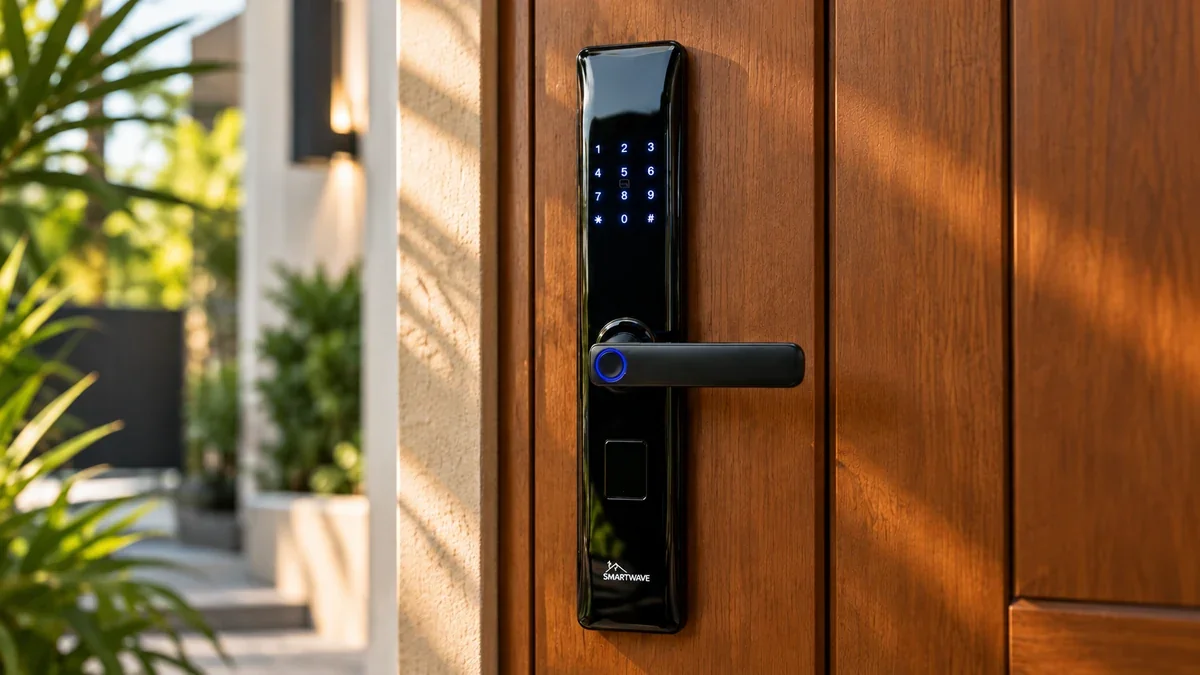
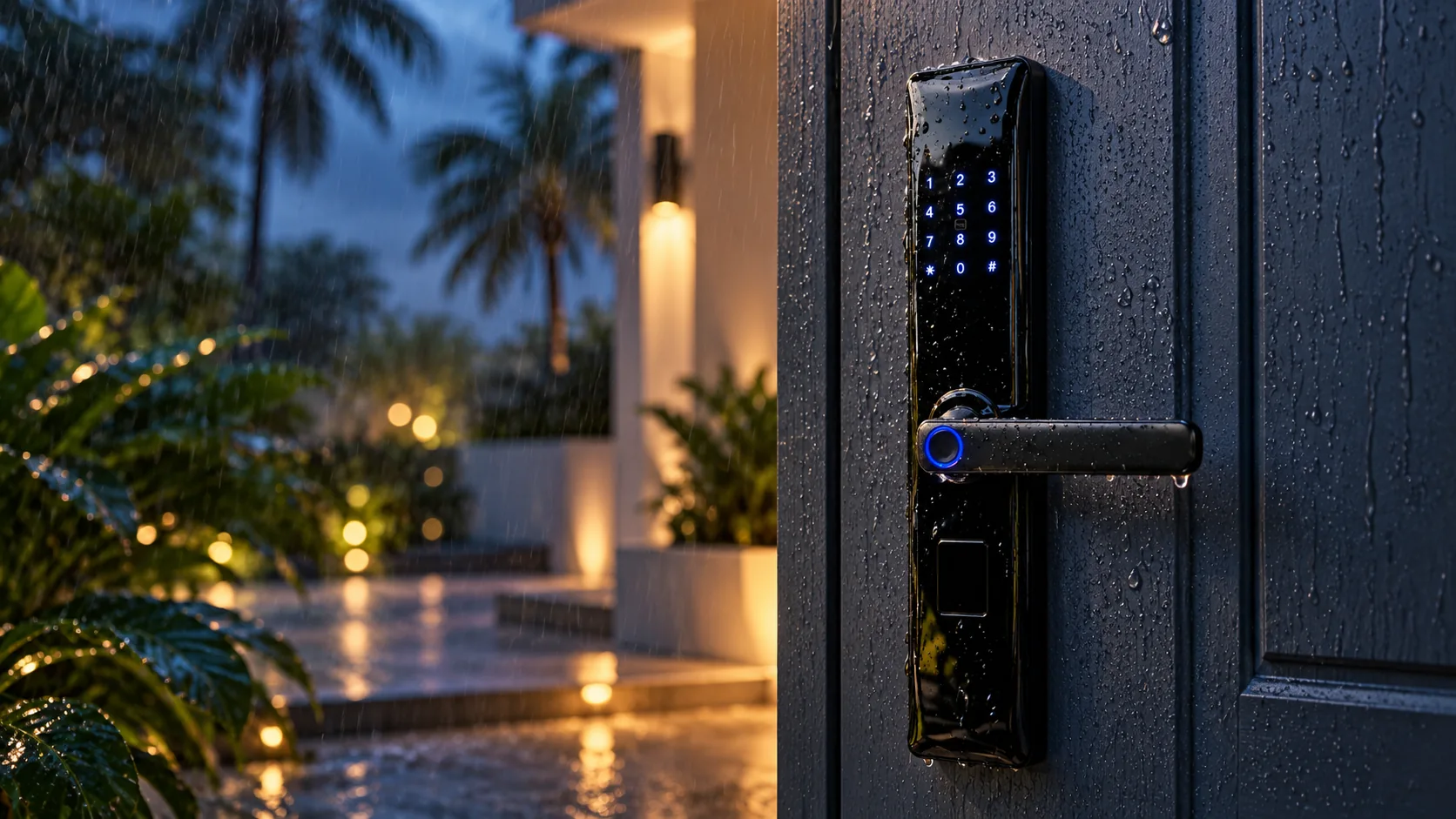
Choose a view to see the Z6 Classic on the door, in wet weather, or from inside.
A more effortless way to secure your entrance. The Z6 Classic brings quick fingerprint access, flexible ways to unlock, and professional installation together in one beautifully simple upgrade.
After you share your door details, choose your preferred installation date from the booking calendar and a time window. Smartwave will confirm door compatibility and availability.
Choose the access method that feels right for you, with alternatives ready for family and trusted visitors.
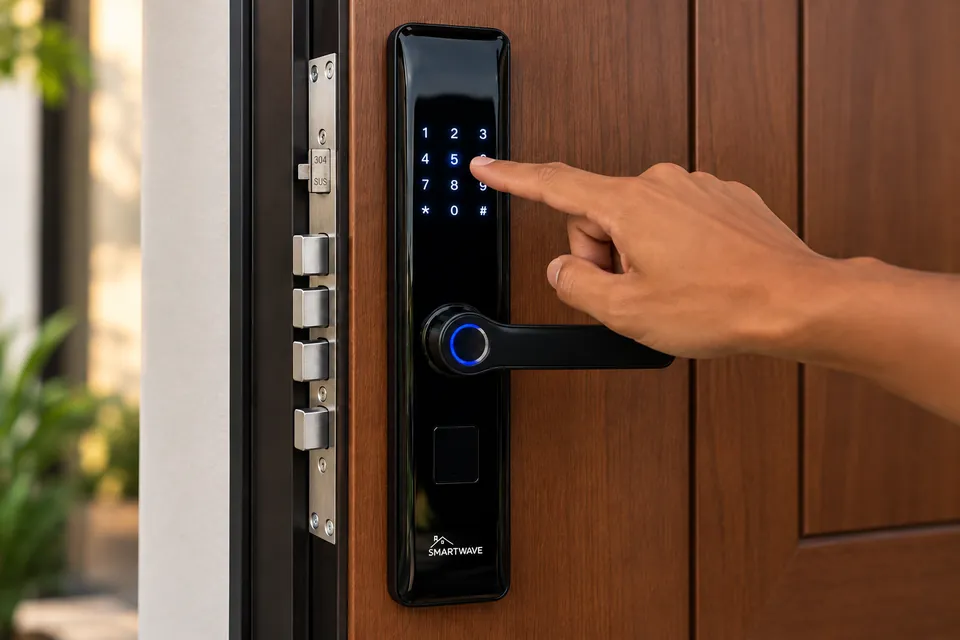
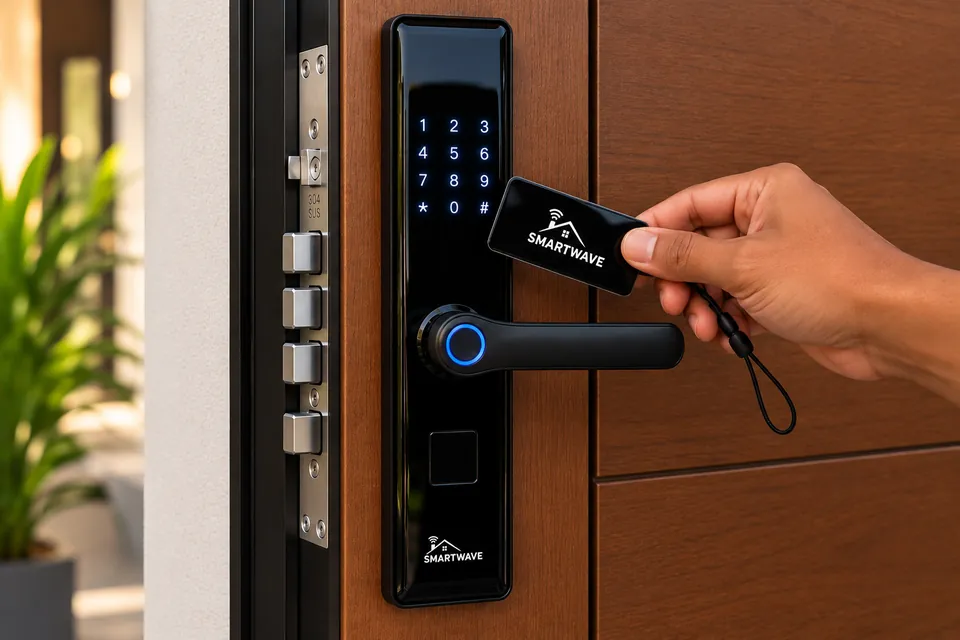
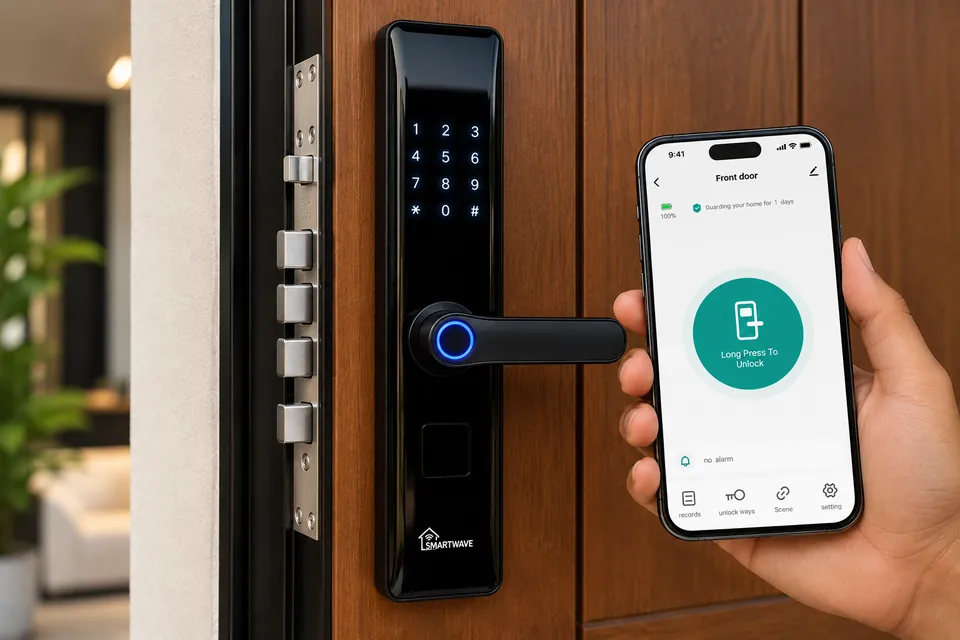
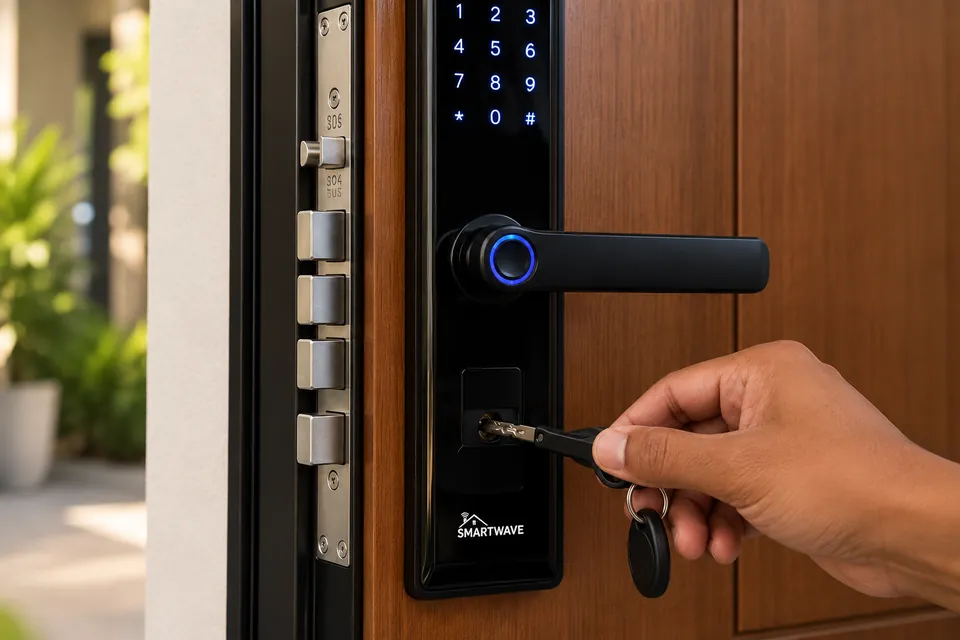
Swipe to explore all five access methods
Heat, humidity, and passing showers are part of life here. The Z6 Classic has a weather-resistant exterior designed for everyday use at your entrance.
Final suitability depends on the door, exposure, and correct installation. Ask Smartwave to assess your entry.
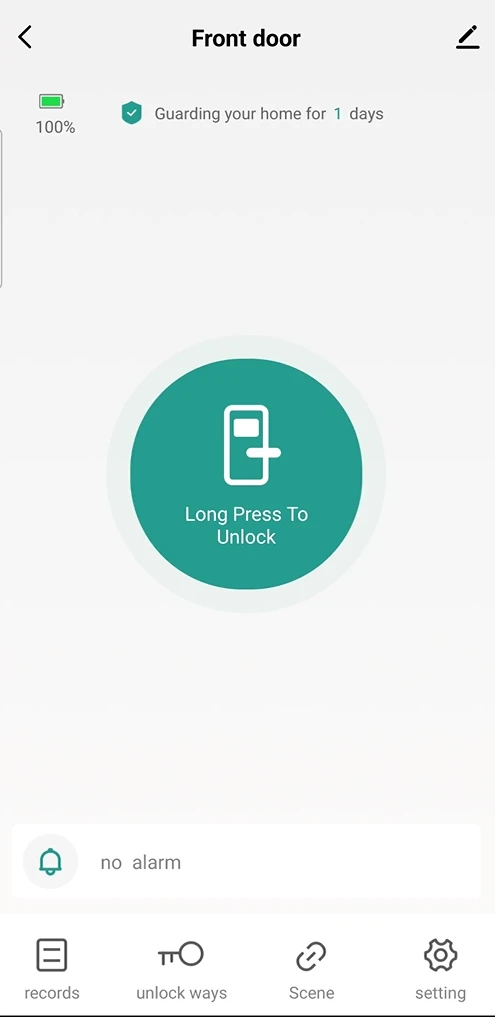
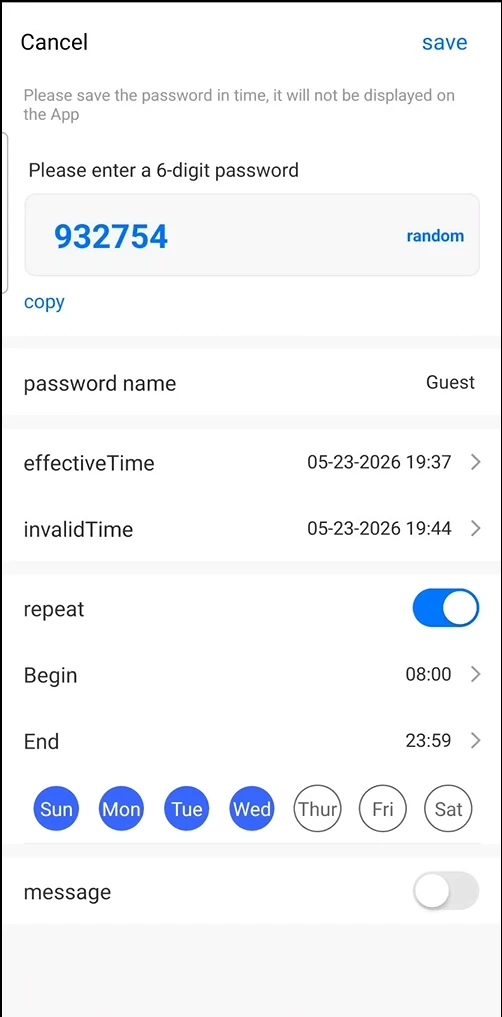
Unlock or control the Z6 Classic from anywhere in the world through the Smart Life app when the included Zigbee gateway is connected to the internet. Receive alerts when the door opens, review door records, manage access, and monitor battery level from your phone. The app also sends low-battery alerts. Create guest PIN codes with scheduled start times, active days, and expiry dates to manage access between stays.
Not sure what type of door you have? Send us a photo and our team can guide you before installation.
Beyond keyless entry, the Z6 Classic keeps the everyday details clear, simple, and ready when you need them.
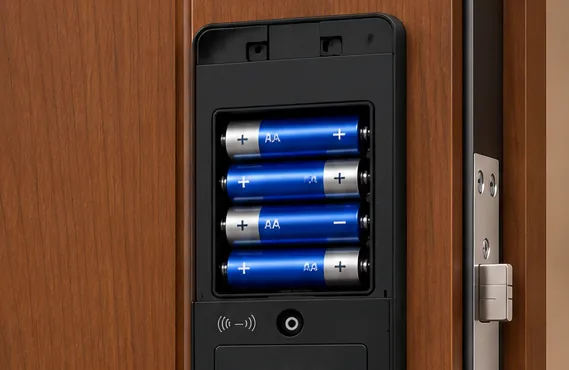
The interior unit uses four AA batteries. Battery life is typically around six to eight months, depending on usage. Remove the cover to replace them.
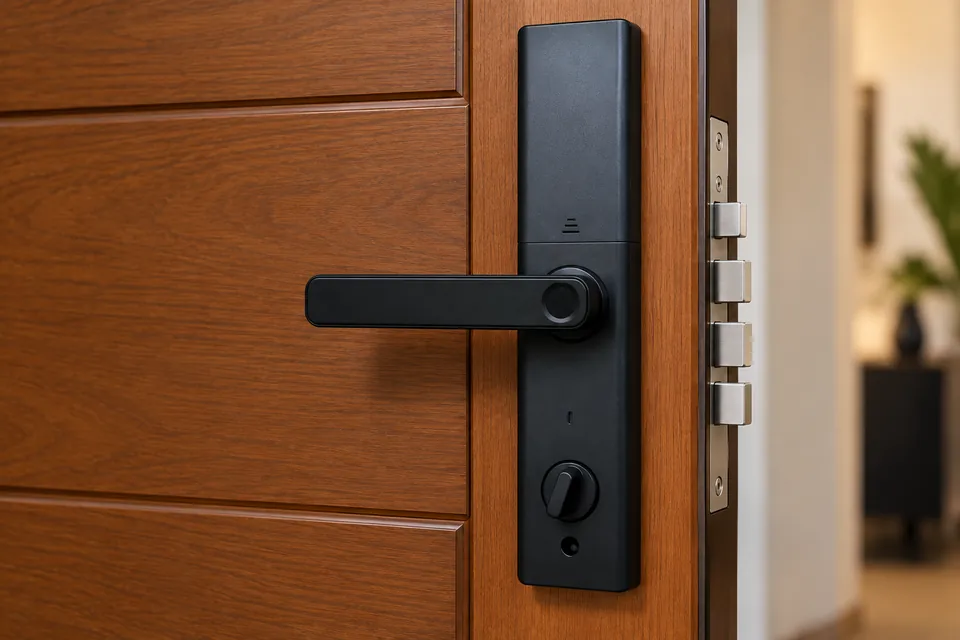
Use the interior thumb-turn to engage or release the manual deadbolt from inside your home.
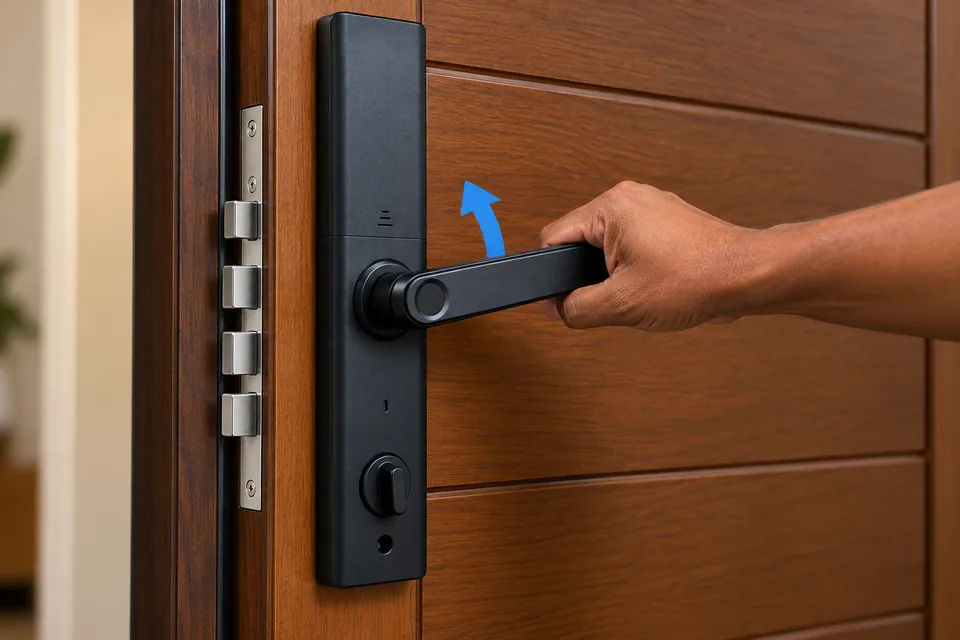
The Z6 automatically locks after the door closes. Lift the handle upward to engage the door’s Multi-Lock bolts.
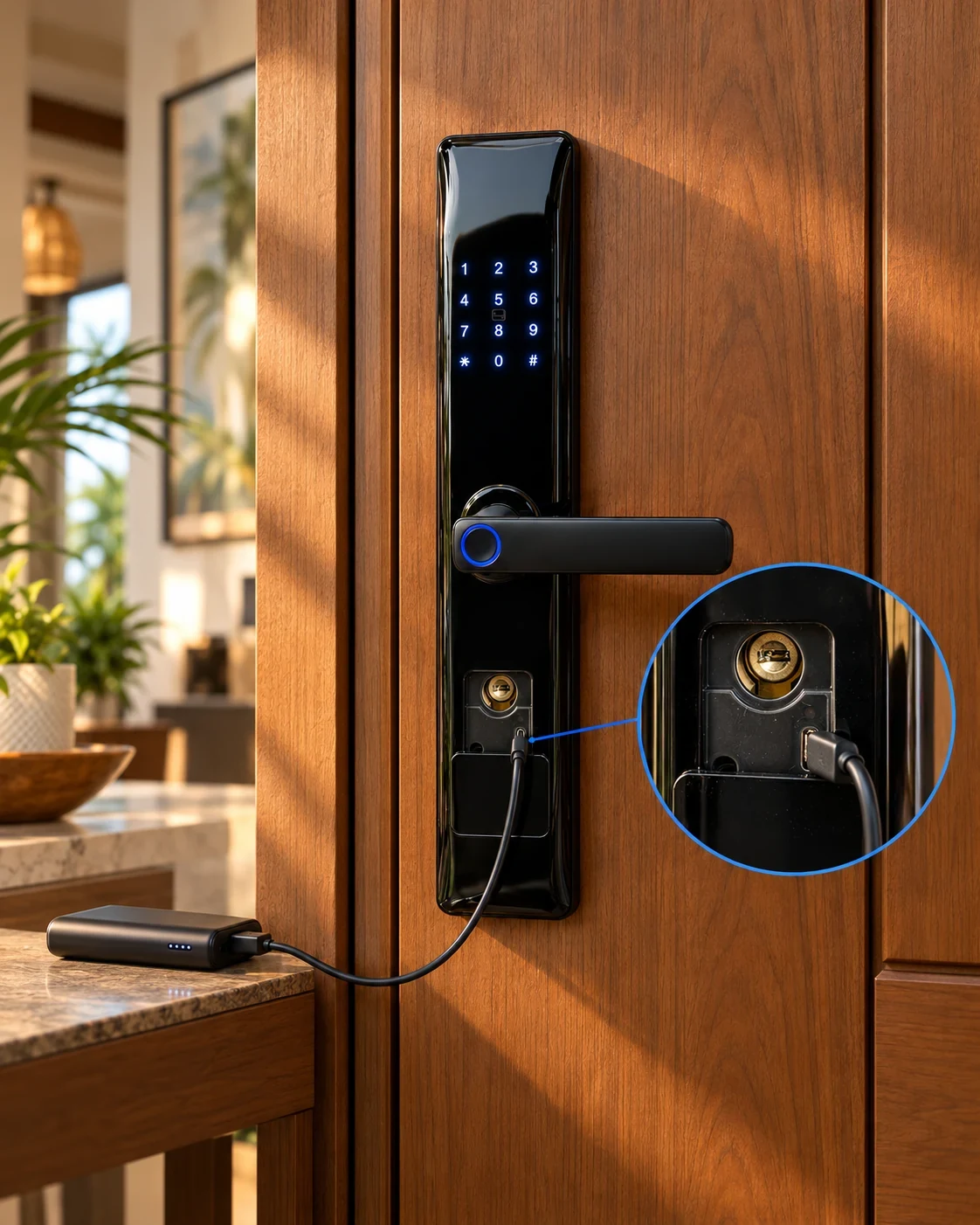
If the batteries run low, connect a power bank to the lock’s micro-USB emergency power port. This provides temporary power so you can unlock with a registered method while you replace the batteries.
Replace the four AA batteries as soon as possible. Battery life varies with use.
We’ll check your door configuration with you before confirming the installation.
Product details shown are for the Smartwave Z6 Classic. Confirm door fit, connectivity needs, and access setup with Smartwave before ordering.
Your support continues long after installation. Smartwave offers maintenance for the Z6 Classic and keeps spare parts available, including beyond the one-year warranty period. View the Z6 support guide.
Replacement parts are available for your Z6 Classic, even after the warranty period.
Contact Smartwave for ongoing maintenance support long after your purchase.
Request an installation for the Smartwave Z6 Classic. Once door compatibility is confirmed, choose your preferred installation date from the booking calendar and a time window. Smartwave will confirm availability.